
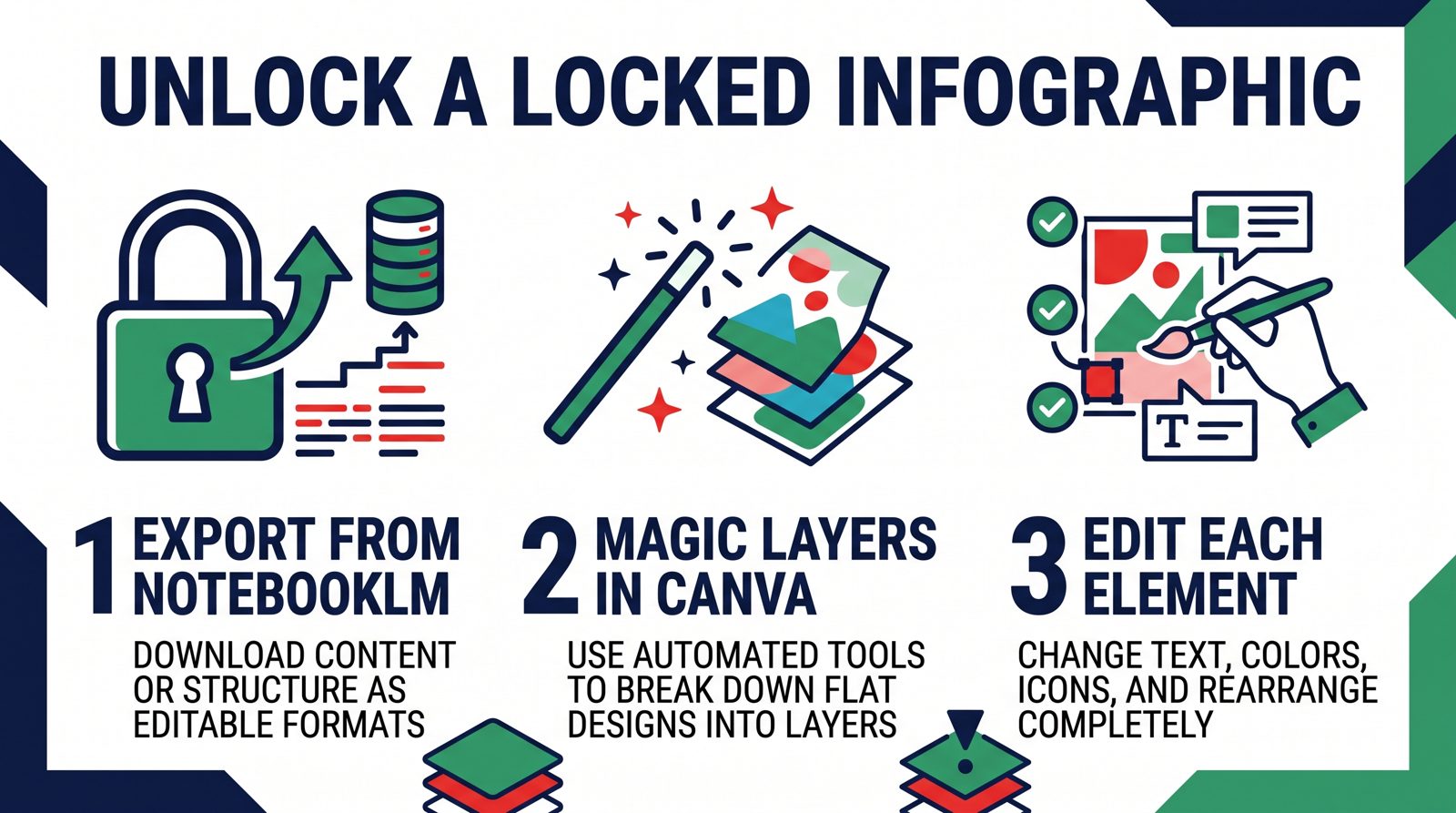
TL;DR: NotebookLM generates polished infographics but locks every element after creation. Canva’s Magic Layers feature breaks that lock - separating text, graphics, and backgrounds into independent, fully editable layers. Add Gemini to the workflow and you can replace any figure with a custom, style-matched image, all without paid software to start.
<
Be cited by every generative search.
While your competitors update their blog monthly, AuthorityRank ingests the newest podcasts and YouTube uploads in your niche every day and turns each insight into a ranked article on your site, within hours of the original drop. ChatGPT, Perplexity, and Google AI Overviews start treating your brand as the niche authority.
See how it works →רוצים ש-ChatGPT ו-Perplexity ימליצו על המותג שלכם?
מערכת AuthorityRank מנטרת את אזכורי המותג שלכם במנועי תשובות AI, הופכת את ערוץ היוטיוב שלכם למאמרי סמכות ומגדילה את ה-Share of Voice ב-AI Search.
לסריקת AI Visibility חינמית באתר ➔